Stardock.com

Bring your wallpaper to life with DeskScapes!

DeskScapes is a program that allows users to have animated wallpaper on their Windows 7, Vista or XP desktop. It supports playing video as animated wallpaper, dynamically generated content as animated wallpaper, and more. Users also have the ability to change specific colors in their current wallpaper or choose the "Random wallpaper option", and set how often the wallpapers will rotate.

Version 3.5 now available
Learn More
 
Download a free trial
Download
 
Purchase now for $9.99
Get it Now

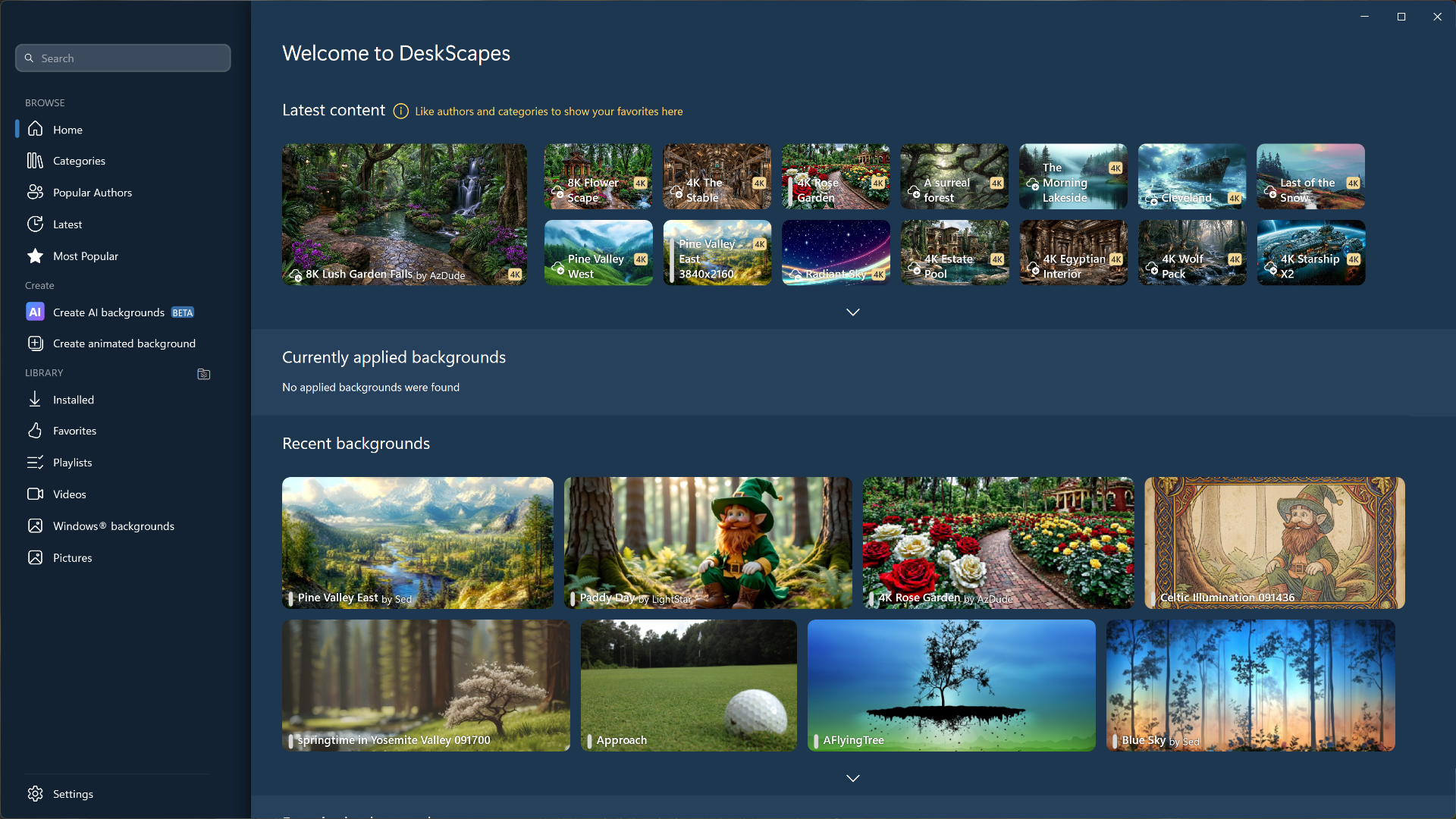
Choose from hundreds of animated wallpapers

Learn More

Apply effects to your existing wallpapers

Learn More

Recolor parts of your existing wallpapers

Learn More
WinCustomize

Find more Dreams!

WinCustomize is a website that provides content for users to customize Microsoft Windows. There are hundreds of wallpapers and dreams to choose from.

Check them out.


CHOOSE WHAT IS SHOWN/ANIMATED

Animate

Animate your Windows desktop

DeskScapes supports the use of dream files, WMV and MPEG videos for animations. The .Dream format. is supported by DeskScapes and has been specifically designed to contain content intended to be used as animated wallpaper. Choose between subtle or extreme animated wallpapers.


Supports Hybrid dreams

Hybrid dreams allow you to take static wallpapers and apply animations to them. This gives people a chance to create animated wallpapers without having to know how to use 3D applications. It’s really easy to create subtle animations without having to render a huge video file, and it uses very little resources. Simply create your hybrid dream, save it in the .Dream format and apply it to your desktop using DeskScapes.


Stylize

Add cool effects to your wallpaper

Choose from over 40 effects to apply to a new or existing Windows wallpaper. Some effects include: black and white, blur, canvas texture, inverted, night vision, pop art, sepia, animated snow and much more! View Demo.

Advanced multiple monitor options

DeskScapes allows you to have a wallpaper on each monitor, or even stretch a video or static wallpaper over multiple monitors.

Recolor existing wallpapers

The change color tab detects the main colors within the wallpaper image. Simply decide which of the colors to change and use the slider bar to achieve the new color scheme. Make the colors more vibrant, tone them down or completely choose a new color scheme. View Demo.

Random wallpaper option

Within the configuration dialog, you have the option to set your wallpaper to be “random”. The wallpapers can generate randomly every day, hour, 10 minutes and as fast as every 30 seconds.


FIRST PANEL - CONFIGURATION DIALOG

Create

Easy-to-use configuration dialog

The configuration dialog is easy-to-use with its slider bar and tabbed sections at the bottom. A large preview area above helps you see what your desktop will look like before applying your new wallpaper. There are small thumbnails that also give a nice preview of what the effect will look like on your particular wallpaper.

images/content.create.uiscreensmall1b.png

EFFECTS

images/content.create.uiscreensmall2b.png

BACKGROUND SETTINGS

images/content.create.uiscreensmall3b.png

CHANGE COLOR

Download a free trial
Download
 
Purchase now for $9.99
Get it Now

System Requirements

  • Windows 7/Vista (32 & 64-bit) and 32-bit Windows XP
  • Minimum screen resolution: 768 width and 350 height
  • Please read this about video codec requirements
  • For video card requirements, click here

Facebook Twitter YouTube Google+