


Introducing Object Navigator, the Fastest File Manager for Windows 11
Article posted on 11/25/2026
Today, we are releasing the first beta of Object Navigator, the newest addition to Object Desktop. Built from the ground up for Windows 11, this new app brings together exceptional performance, powerful file management features, and a wide range of personalization options.
A big part of developing Object Navigator has been eliminating the little delays that add up throughout the day and introducing features we've long wanted in File Explorer, without changing the familiar way you work with your files. We've optimized everything from folder navigation and right-click menus to loading large directories and deleting thousands of files.
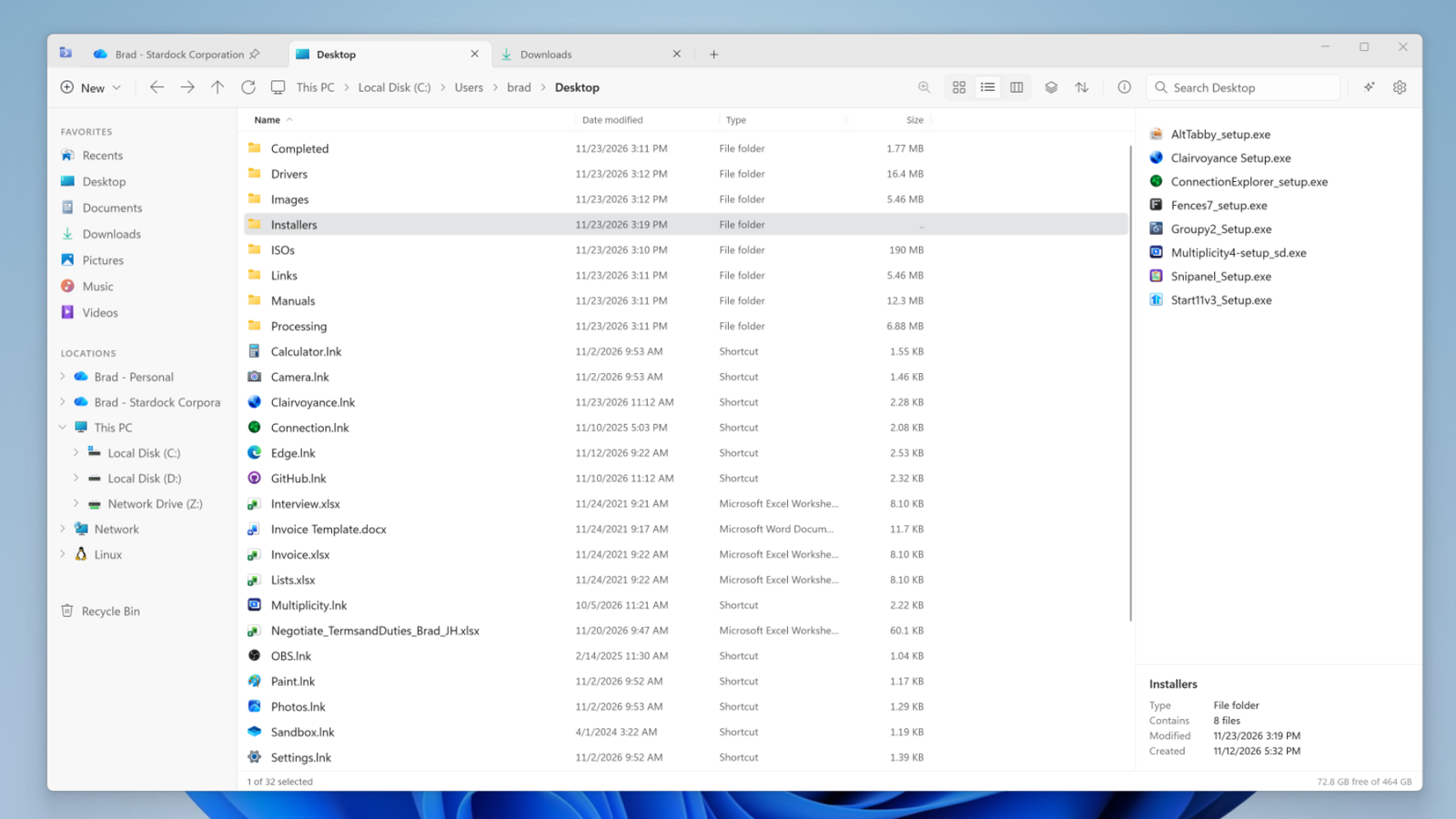 Object Navigator with Quick Look showing contents of Installer folder
Speed isn't the only thing we've been working on. Object Navigator displays folder sizes directly alongside file sizes, and tabs can be pinned to automatically open each time the application launches, making it easier to access frequently used files, folders, or drives. You can even press the spacebar on a file or folder for an instant preview or flatten a folder to view all contents of in a single list.
Designed to work with both local and cloud files, Object Navigator makes it easy to tell if a file is stored locally or in the cloud. And the Details panel provides a quick look at the attributes of a drive, folder, or file, without having to open its properties.
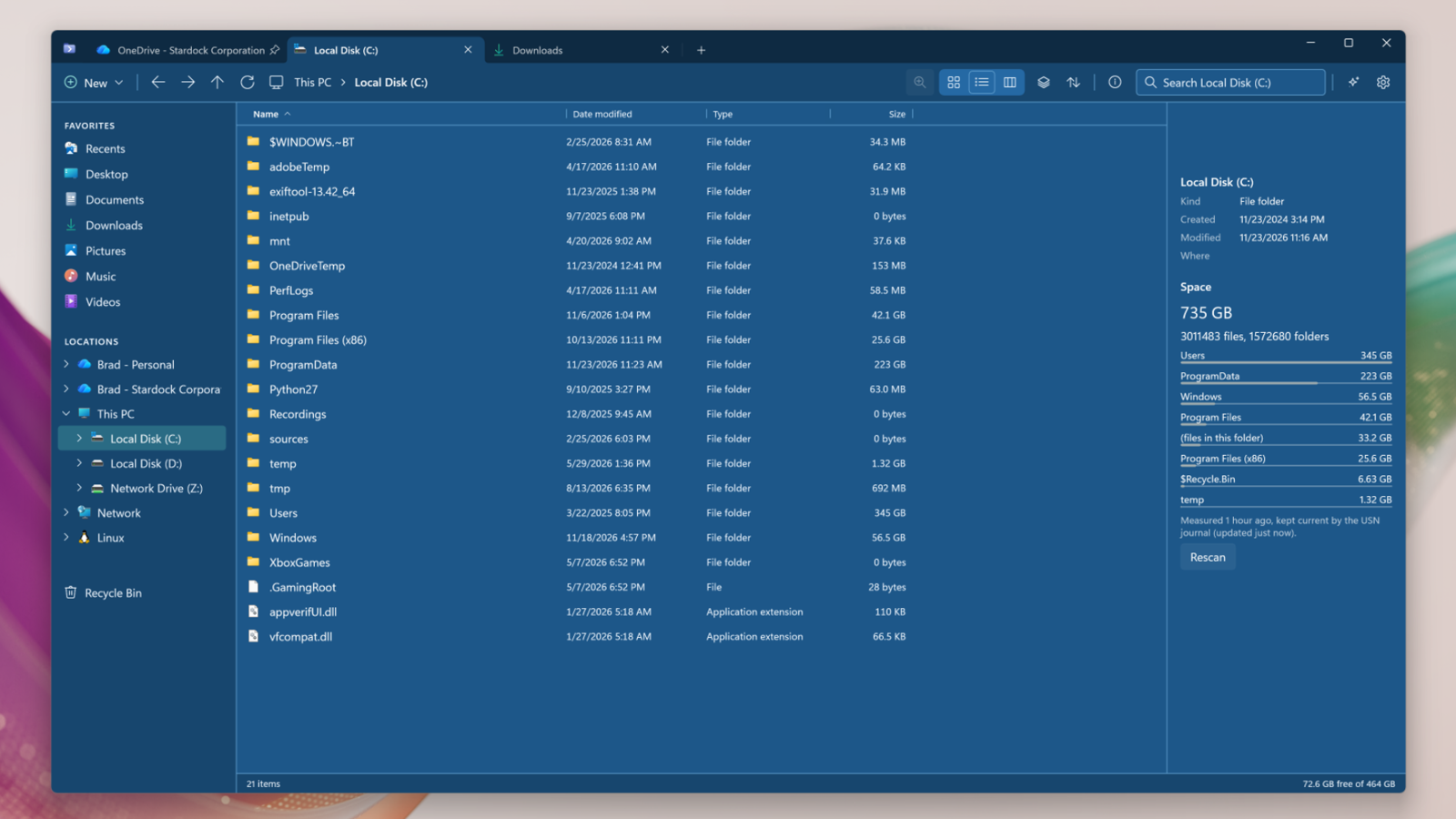 Object Navigator with details panel showing storage space available and usage
Object Navigator brings together the familiar Windows 11 look and feel, using WinUI 3, with the speed and efficiency of Rust. And, being a Stardock app, you can make it look and work the way you want, with dozens of built-in themes to choose from and multiple layout options to make it your own.
If you're using Clairvoyance, you can take advantage of its integration with Object Navigator to help organize folders, find duplicate files, identify what's taking up space on your drives, rename large batches of files, and more. While using AI is optional, it adds a unique element to keeping your drive organized.
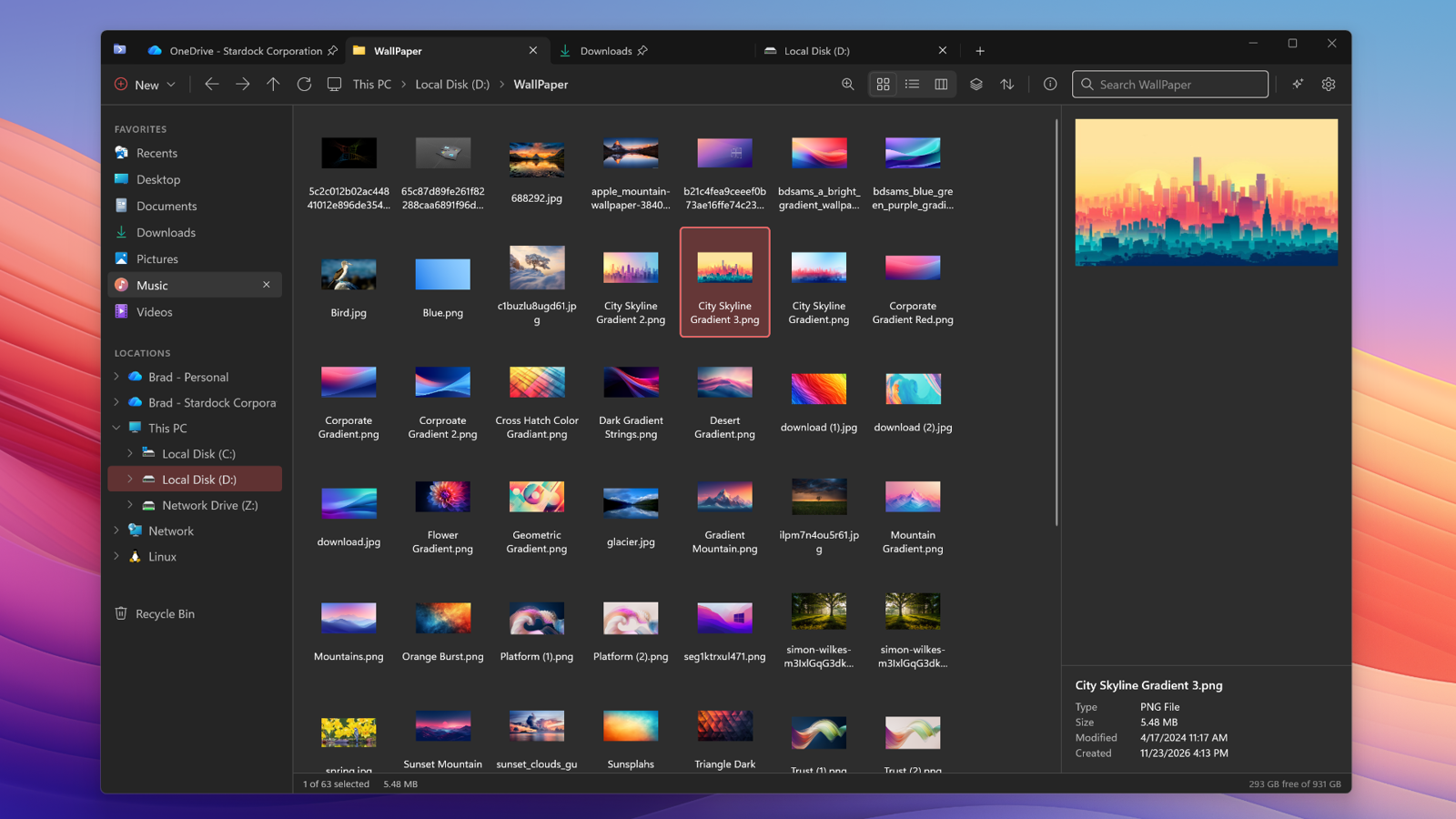 Object Navigator in Icon view of wallpaper folder with larger preview window open
The first beta of Object Navigator is available today exclusively for Object Desktop members. We're excited to get this application into your hands and hear what you think.
You can learn more about Object Navigator or share your feedback with us in the as the future of this application will be shaped directly by your input.

